AR vs AI Virtual Try-On: What's the Difference and Which One Actually Works?
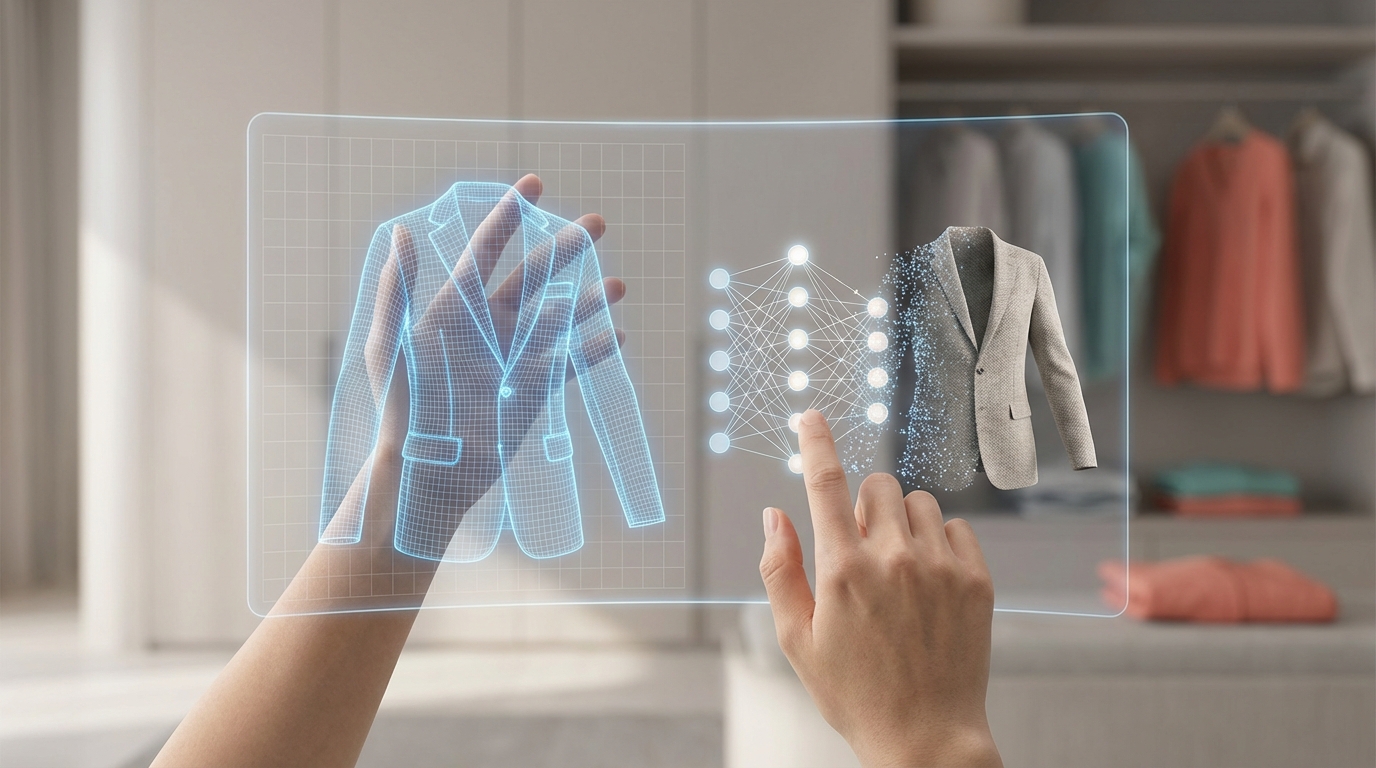
AR try-on or AI try-on — they sound like the same thing, but they work completely differently. One overlays digital objects onto your live camera feed. The other generates a photorealistic simulation from a single photo. The distinction matters because it determines what each technology is actually good at — and where it falls apart.
If you've tried an AR filter on Snapchat or Instagram, you've used augmented reality try-on. If you've ever uploaded a photo to see how an outfit looks on you, that's AI-powered try-on. Both are real, both have legitimate uses, and both have hard limits. This article breaks down exactly what each one does, where each one wins, and which approach makes sense for everyday wardrobe planning.
What Is AR Try-On?
Augmented reality (AR) try-on uses your phone's camera to overlay digital content onto the real world in real-time. You point your camera at yourself, and the app places a virtual item — a pair of sunglasses, a hat, a shirt — on your body as you move.
How AR Try-On Works
AR try-on relies on a combination of technologies:
- Real-time body and face tracking: The app detects facial landmarks, head position, or body keypoints frame by frame
- 3D model rendering: The virtual clothing item is a 3D model that the app attaches to tracked anchor points
- Live camera compositing: The 3D model is layered onto your camera feed in real time, updating as you move
This is why AR works well for accessories. A pair of glasses sits on two fixed anchor points — your nose and ears — and your face is a well-understood shape. AR tracking handles this precisely.
Where AR Try-On Actually Shines
Eyewear retailers like Warby Parker use AR extensively. You open the app, point the camera at your face, and try dozens of frames without visiting a store. The tracking is tight, the result looks realistic, and you can see how each pair fits your face shape.
Snapchat and Instagram filters are also AR try-on, technically. Those filters that place a hat on your head or change your jacket color — AR. They're fun, but they're also illustrative of the technology's ceiling.
In-store kiosks for accessories and cosmetics use AR effectively. L'Oréal's AR makeup try-on is a genuine example of the technology working well: limited surface area, consistent anchor points, good lighting control.
Pro Tip: AR try-on is most reliable for items with fixed attachment points and limited drape — glasses, hats, earrings, and cosmetics. The moment fabric gets involved, the accuracy drops significantly.
Where AR Try-On Struggles
The fundamental problem with AR and full-outfit try-on is 3D body tracking at scale.
Clothing drapes, folds, stretches, and moves with your body in ways that are extraordinarily complex to simulate in real-time. To do this accurately, AR needs:
- A precise 3D model of your body shape (not just your outline)
- Fabric physics simulation running in real-time
- Accurate lighting matching between the virtual garment and your camera feed
- Consistent tracking even when you turn, bend, or partially obscure limbs
Current hardware and processing power on consumer devices can approximate this, but the results for full outfits are often unconvincing — garments clip through body parts, fabrics don't drape naturally, and proportions look off. Some flagship retailers have tried full AR clothing try-on and quietly deprioritized it because user satisfaction didn't match the development cost.
The other limitation: AR is inherently in-the-moment. You can't plan next Tuesday's work outfit while riding the subway. You need to be standing, ideally in decent lighting, actively holding your phone up.
What Is AI Try-On?
AI virtual try-on takes a different approach entirely. Instead of augmenting a live camera feed, it takes a static photo of you and generates a new image showing you wearing a specific garment. The output is a rendered photograph, not a live overlay.
How AI Try-On Works
The process happens in several stages:
Body analysis: The AI analyzes your photo to understand body shape, proportions, pose, and existing clothing. It maps your silhouette and creates an internal model of your physical dimensions.
Garment analysis: The AI examines the clothing item — fabric type, structure, color, pattern, fit style (relaxed vs. tailored). Different fabrics drape and behave differently, and the model accounts for this.
Photorealistic rendering: The AI composites the garment onto your body, simulating how the fabric would drape over your actual shape. It matches the lighting, shadows, and perspective of your original photo to make the result look natural.
Output: A single high-quality image showing you wearing the outfit — not a filter, not a real-time overlay, but a rendered photograph.
Where AI Try-On Actually Shines
AI try-on is purpose-built for wardrobe planning and outfit visualization — the use cases where AR struggles most.
Outfit planning from your existing wardrobe: Upload photos of your clothes, mix and match combinations, and see what works before you open your closet. This is the core of what CuffLinkAI does.
Online shopping decisions: See how a new piece from a retailer would look on your specific body before clicking "buy." Reduces returns, increases confidence.
Travel packing: Visualize every outfit you plan to wear on a trip. Pack only what you've confirmed works together, nothing extra.
Content creation planning: Creators use AI try-on to plan outfit rotations for the week, ensuring visual variety across posts without actually getting dressed multiple times.
The key advantage: it works anywhere, anytime, on any device. You upload one photo of yourself, and that photo becomes your fitting room. No standing in front of your camera, no particular lighting requirements, no hardware beyond a smartphone.
Pro Tip: For AI try-on, the quality of your base photo matters. A single well-lit, full-body photo taken once is all you need — you don't need to retake it every session.
AR vs AI: Head-to-Head Comparison
| Feature | AR Try-On | AI Try-On | |---|---|---| | How it works | Live camera overlay in real-time | Photo-based simulation, rendered output | | Device requirement | Camera-equipped device, often needs LiDAR or depth sensor for best results | Any device with a browser or app | | Works offline | Sometimes (basic filters) | No — requires processing | | Best for accessories | Excellent — glasses, hats, jewelry | Good — less interactivity | | Best for full outfits | Poor — fabric physics are hard to simulate live | Excellent — photorealistic rendering | | Requires user to be present | Yes — you must be on camera | No — works from a static photo | | Can plan outfits in advance | No | Yes | | Works for wardrobe planning | No | Yes | | Output format | Live video overlay | Rendered photograph | | Hardware dependency | High — results vary by phone camera quality | Low — works across devices | | Accuracy for clothing fit | Low to moderate | High | | Ease of use | Simple to launch, but requires physical setup | Upload once, use repeatedly | | Example platforms | Snapchat, Warby Parker, IKEA Place | CuffLinkAI, Amazon StyleSnap |
Which Should You Use?
The answer depends entirely on what you're trying to accomplish.
Use AR try-on when:
- You're shopping for eyewear and want to see how frames look on your face
- You're in a retail store and they have an AR kiosk for accessories or cosmetics
- You want a quick, casual experiment with a fashion filter on social media
- You're buying a hat or headband and want a rough visual sense before purchasing
Use AI try-on when:
- You want to plan outfits from clothes you already own
- You're shopping online and want to see how something looks on your body specifically
- You're packing for a trip and want to visualize outfit combinations
- You're a creator planning content and need to see looks before shooting
- You want to discover new combinations in your existing wardrobe
The clearest way to think about it: AR try-on is optimized for in-store, real-time, accessories. AI try-on is optimized for wardrobe management, outfit planning, and online shopping decisions.
For most people reading this — people who want to dress better, shop smarter, and spend less time staring at a closet — AI try-on is the relevant technology.
Common Questions
"Can AR try-on do full outfit try-on?"
It can try. Several retailers have launched AR full-outfit try-on and some work reasonably well for simple silhouettes (a solid-color t-shirt, a structured blazer). But the technology degrades fast with complex garments — flowy dresses, layered looks, wide-leg pants. The fabric simulation and real-time rendering constraints are real limitations, not marketing problems. Most honest evaluations of AR clothing try-on find that the results are approximations, not simulations.
"Is AI try-on just fancy Photoshop?"
No — though it's a reasonable first guess. Photoshop requires a human to manually composite images and match lighting. AI try-on models understand body geometry, fabric behavior, and lighting conditions, and apply them automatically at scale. The underlying models are trained on millions of fashion images and optimize for photorealism. The output quality has improved dramatically between 2022 and 2026.
"Does AI try-on work for all body types?"
Modern AI try-on models are trained on diverse body types. The accuracy is consistently high across a wide range of body shapes and sizes. The technology doesn't perform differently based on body type — what matters is the quality of the input photo and the garment reference image.
"Do I need a professional photo for AI try-on?"
No. A smartphone photo taken near a window in natural light is sufficient. The requirements: full body visible, standing upright, arms slightly away from your body. You take this photo once and use it for every try-on session.
"Which technology will win long-term?"
They'll likely converge. As phone hardware improves and real-time rendering gets faster, AR try-on for clothing will become more accurate. Simultaneously, AI try-on will gain real-time capabilities. The distinction between them will blur. Right now, in 2026, they serve different use cases well — and AI try-on is significantly more practical for everyday wardrobe decisions.
Real User Success Stories
Maya, Content Creator: "I was skeptical that AR try-on was the same as AI try-on — I'd tried AR filters and thought virtual try-on was just a gimmick. CuffLinkAI's AI approach is completely different. I upload my photo once, and I can plan 30 days of content outfits in a single Sunday session. I've cut my shoot prep time in half."
Daniel, Frequent Business Traveler: "I used to overpack constantly because I wasn't sure outfits would work together. Now I plan every outfit for a trip virtually before I zip the bag. What sold me on AI try-on specifically is that I don't need to stand in front of my camera — I can plan my Miami trip outfits while I'm sitting on a plane to Chicago."
Priya, Online Shopper: "The difference between AR glasses try-on and AI clothing try-on finally clicked for me after reading about how they work. AR makes sense for glasses — fixed points, no fabric. But for actual clothes? AI generates a much more accurate picture of how something will look on my body. I've cut my return rate dramatically."
Conclusion: Two Tools, Two Jobs
AR and AI try-on aren't competing — they're solving different problems.
- ✅ AR try-on is the right tool for real-time, in-store, accessories and cosmetics
- ✅ AI try-on is the right tool for wardrobe planning, online shopping, and outfit visualization
- ✅ AI try-on works on any device, from a single photo, at any time
- ✅ AR try-on requires physical presence and performs best with simple, fixed-point items
- ✅ For full outfits — the thing most people actually want to visualize — AI try-on is significantly more accurate
- ✅ For everyday wardrobe decisions, AI try-on is the practical choice right now
The technology you should be using depends on what you're trying to do. If you want to see how next Thursday's outfit looks before Thursday arrives, that's an AI try-on job.
Ready to Try AI-Powered Try-On?
See how AI try-on works — upload a photo and try on any outfit in seconds.
Get started with CuffLinkAI for free today:
What you'll get:
- ✨ Photorealistic AI outfit visualization from a single photo
- 👗 Full wardrobe management — upload and organize every item you own
- 🤖 AI-powered outfit suggestions based on your style and occasions
- ✈️ Trip planning and packing tools to pack light with confidence
- 📱 Works on web and mobile — no special hardware required
Your wardrobe is already full of outfits you haven't discovered yet.