How to Try On Clothes Online: The Complete AI Virtual Try-On Guide (2026)
You find a perfect shirt online. The model looks great. You order it. It arrives and somehow looks completely wrong on you—wrong proportions, wrong fit, totally different vibe.
We've all been there. It's why return rates for online clothing are over 30%.
AI virtual try-on solves this. Instead of guessing, you can literally try on clothes online before you buy—or plan full outfits from your existing wardrobe without pulling a single thing off a hanger.
Here's everything you need to know.
What Does "Try On Clothes Online" Actually Mean?
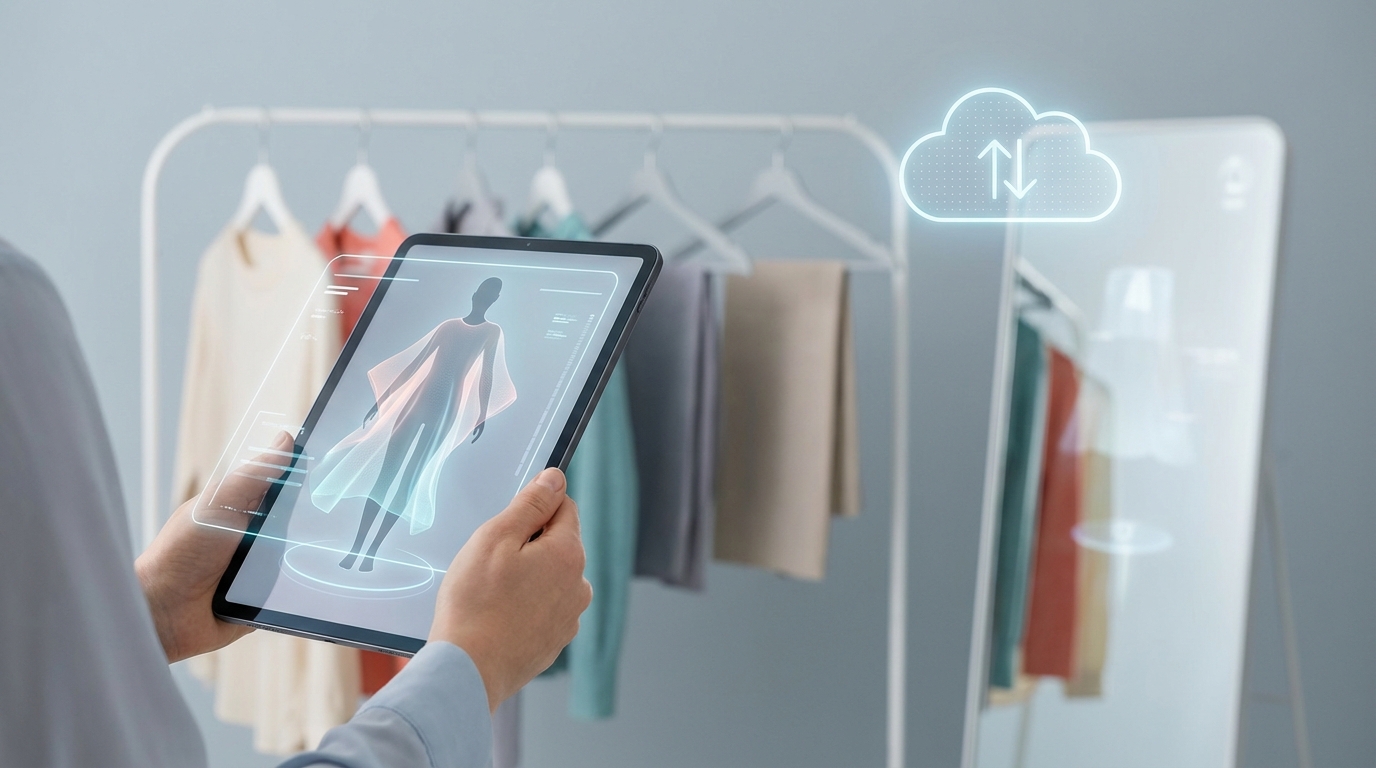
Trying on clothes online means using AI-powered software to see how a garment—or a full outfit—looks on you or a model, digitally, before you commit to buying or wearing it.
It's not just a gimmick. The technology has gotten good enough that:
- Online retailers use it so customers can see garments on their body type before purchasing
- Wardrobe apps use it so you can plan outfits from your own closet without getting dressed
- Fashion stylists use it to prototype looks for clients remotely
There are two main use cases, and it helps to understand which one you're trying to solve.
Use Case 1: Shopping — Try Before You Buy
You're browsing an online store and want to see how a jacket will actually look on you before spending money. Some retailer apps let you upload a photo or use your camera to overlay the item on your body in real time.
Use Case 2: Wardrobe Planning — Mix and Match Digitally
You already own the clothes. You just want to see if they work together as an outfit without standing in front of a mirror for 20 minutes. This is where apps like CuffLinkAI come in—your entire closet lives digitally, and you can assemble outfits virtually in seconds.
Both are legitimate, both use AI, and both save you time and money.
How AI Clothing Try-On Actually Works
Under the hood, virtual try-on tools use a combination of three technologies:
1. Computer Vision
The AI analyzes the garment: its shape, drape, texture, color, and how fabric behaves. It also analyzes the body in the photo—proportions, posture, and silhouette—to understand where clothing should sit and how it should fall.
2. Body Mapping
This is where it gets impressive. The model maps key body landmarks—shoulders, waist, hips, sleeve length—and uses those reference points to realistically overlay the garment. Better systems account for body type variation, not just a generic "average" body.
3. Image Compositing
Finally, the AI blends the garment onto the photo with realistic lighting, shadow, and proportions. The goal is a result that looks like a real photo, not a bad Photoshop.
The quality varies enormously between tools—cheap implementations look fake; good ones are genuinely hard to distinguish from a real photo.
The Best Ways to Try On Clothes Online
Option 1: Use a Retailer's Built-In Virtual Try-On
Several major retailers now offer this directly on their websites or apps:
- Clothing brand apps — Many fast-fashion brands have added "see on me" features to product pages
- Amazon — Offers virtual try-on for select clothing items via their app
- Warby Parker / eyewear apps — Glasses were actually the first category to nail this
The limitation: You're stuck within that retailer's inventory. You can't mix items across brands or see how a new purchase would work with clothes you already own.
Option 2: Use a Dedicated Clothing Try-On App
Apps built specifically for this purpose give you more flexibility:
For shopping across brands: Tools like Google's virtual try-on search feature or standalone AR shopping apps let you overlay clothes from multiple sources.
For your existing wardrobe: CuffLinkAI lets you catalog your entire closet and virtually try on outfit combinations from clothes you already own. Upload photos of your items once, then mix and match digitally—no AR camera tricks required, just clean AI-generated outfit previews.
This is the most practical option for most people: you stop buying things hoping they'll work together, because you can already see whether they do.
Option 3: AI Image Generation for Outfit Inspiration
Some tools let you generate AI images of outfit ideas based on your style preferences or a description of what you own. This is less about precise fit and more about inspiration—seeing a mood or aesthetic before committing to it.
Step-by-Step: How to Try On Clothes Online with CuffLinkAI
Here's how virtual clothing try-on works in practice using a wardrobe app:
Step 1: Upload your wardrobe Take photos of your clothing items on a flat surface or hanger. Good lighting matters here—natural light, no harsh shadows. Most apps (including CuffLinkAI) will automatically remove backgrounds and categorize items for you.
Step 2: Browse your digital closet Once uploaded, every item lives in your digital wardrobe. You can filter by category (tops, bottoms, shoes, accessories), color, occasion, or season.
Step 3: Build an outfit Select a top, a bottom, shoes, and any accessories. The app assembles the combination visually so you can see how the pieces interact—colors, proportions, overall vibe.
Step 4: Save or share Like the outfit? Save it for tomorrow, or a specific event coming up. You can build a week's worth of outfits on Sunday night and never have to think about it again in the morning.
Step 5: Pack smarter Planning a trip? Build outfits virtually from the items you're considering bringing. You'll instantly see which items are doing double duty and which ones aren't earning their suitcase space.
Tips for Getting Accurate Try-On Results
Virtual try-on is only as good as your inputs. Here's how to get results you can actually trust:
Take clean item photos Lay garments flat on a white or neutral surface. Avoid wrinkles—they confuse the AI. Good lighting, no shadows. This takes 30 seconds but dramatically improves output quality.
Use consistent lighting when photographing yourself If the app uses your photo as the base, natural light facing you (not behind you) gives the AI the most accurate body outline to work with.
Don't expect miracles on fit Virtual try-on is excellent for visualizing color combinations, outfit aesthetics, and whether pieces "go together." It's less reliable for predicting exact fit details like whether a waistline sits perfectly on your body. Use it for style, not as a substitute for checking size guides.
Try combinations you'd normally skip The whole point of digital try-on is removing the effort barrier. Try that weird color combination. Test the blazer with the sneakers. You've got nothing to lose and you might surprise yourself.
Why Virtual Clothing Try-On Is Growing So Fast
Searches for "clothing try on" and related terms have grown by over 900% year-over-year. That's not a fluke—it reflects a real behavioral shift.
A few reasons it's exploding right now:
Online shopping is the norm, not the exception. Most clothing purchases happen without ever touching the item first. Virtual try-on bridges that gap.
Return rates are a massive pain point. A 30%+ return rate costs buyers time and sellers money. Any tool that reduces bad purchase decisions gets adopted fast.
AI quality has crossed a threshold. Two years ago, virtual try-on results looked fake enough to be useless. Today, the best implementations are genuinely useful for decision-making.
People have too many clothes they never wear. Studies consistently show we wear roughly 20% of our wardrobe. Digitizing and visualizing what you own makes the other 80% accessible again.
Virtual Try-On for Shopping vs. Wardrobe Planning: Which Should You Use?
| | Shopping Try-On | Wardrobe Planning Try-On | |---|---|---| | Best for | New purchases | Existing clothes | | Works with | Retailer's inventory | Your own closet | | Main benefit | Reduce bad buys | Rediscover what you own | | Tools | Retailer apps, AR tools | CuffLinkAI, wardrobe apps | | Accuracy | Good for aesthetics | Good for combination planning |
Most people benefit from both. Use shopping try-on to vet new purchases. Use wardrobe planning try-on to actually get value from everything you already own.
Start Trying On Clothes Online Today
The barrier to getting started is genuinely low. You don't need a special camera, you don't need to learn any complicated software, and you don't need to spend any money upfront.
CuffLinkAI lets you upload your wardrobe, build outfits virtually, and start getting dressed smarter—whether you're planning tomorrow's meeting outfit or packing for a two-week trip.
Try it free at app.cufflinkai.com
Your clothes are already there. You just can't see them clearly yet.
Related Articles
- How AI Virtual Try-On Technology Works
- Virtual Try-On Technology: How AI is Revolutionizing Fashion in 2026
- How to Build a Digital Wardrobe in 2026: The Complete Guide
- Digital Closet Apps Compared: Which One is Right for You in 2026?
- Capsule Wardrobe for Travel: 15 Items, Endless Outfit Possibilities